HotKeys Tab
Customize various hotkey settings in the HotKeys tab of the VRCT configuration.
Video
General
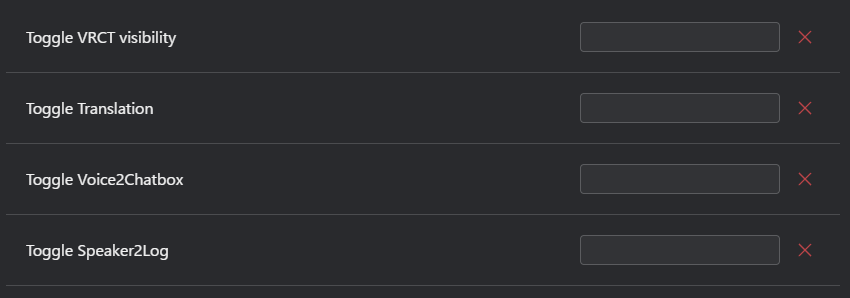
- Toggle VRCT visibility: Set a hotkey to show or hide the VRCT window.
- Toggle Translation: Set a hotkey to enable or disable translation functionality.
- Toggle Voice2Chatbox: Set a hotkey to enable or disable the Voice2Chatbox feature.
- Toggle Speaker2Log: Set a hotkey to enable or disable the Speaker2Log feature.
Notes
- Hotkeys are temporarily disabled while the Config Window is open, so that pressing keys to set a hotkey does not trigger actions.
- If a hotkey is already used by another hotkey in VRCT, or by another application, VRCT shows an error and the hotkey is not registered.