Installation
You can install VRCT by downloading and running the setup.exe file. Please follow the steps below to complete the installation.
Installation Steps
-
Download the setup.exe file from the Booth or GitHub.
-
Double-click the downloaded setup.exe file to run it.
When running the setup.exe file, you may see a security warning, which is normal. If the warning appears, click "More info" and then select "Run anyway".
-
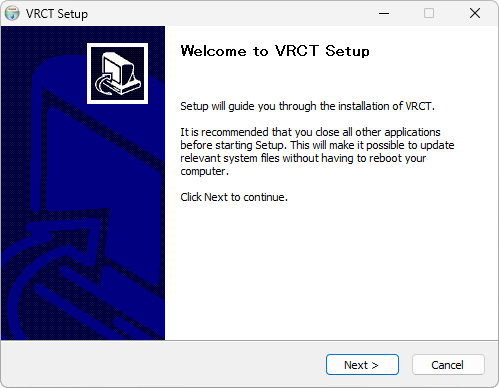
Follow the instructions provided by the installer to proceed with the installation.
Step 1
Step 2
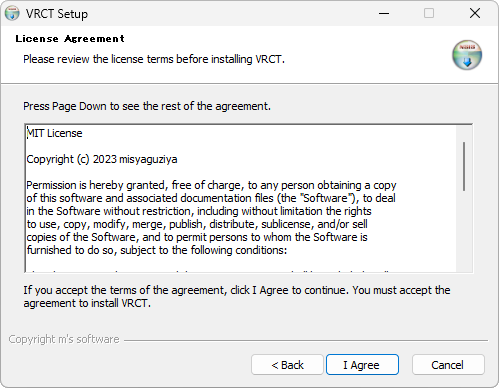
Step 3
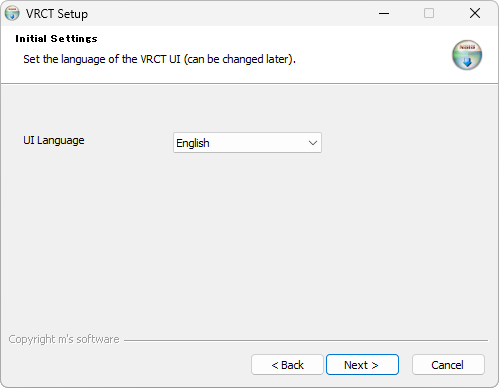 tip
tipYou can change the UI language later.
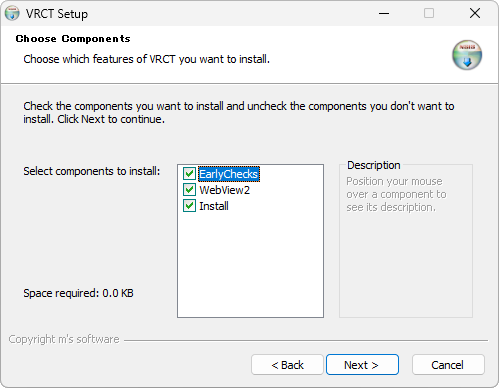
v3.5.1+The installer checks available disk space before downloading and extracting VRCT. If there is not enough space, it stops early and shows the amount required. Windows 10 version 1803 (April 2018) or later is required by the installer.
Step 4
Step 5
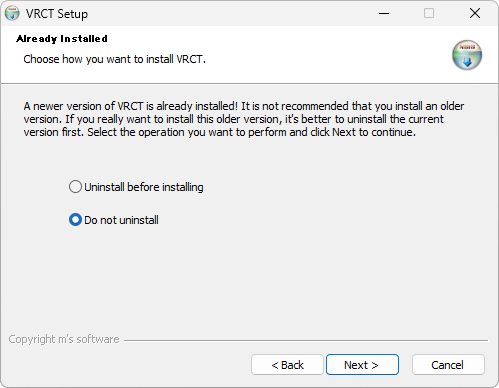
If you have already installed the application, you will be prompted to confirm whether to overwrite the existing installation.
Step 6
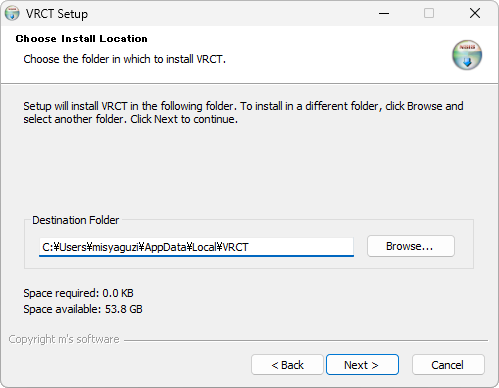
Step 7
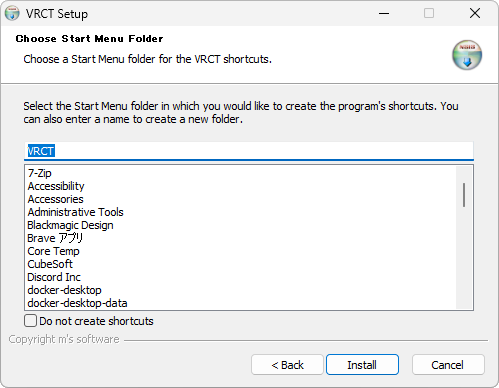
Step 8
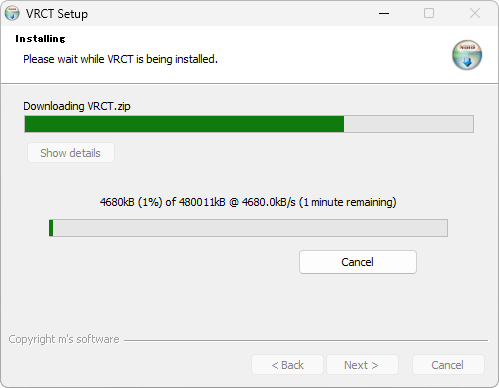
-
After the installation is complete, click the "Finish" button to close the installer.