Symbols, emoji and phrases
Press the "#+=" key, and the letter keys turn into the symbol page. Choose a kind with the tabs on the left, and press a character to enter it. To go back to the letter keys, press the key in the same place (it shows the language's character).
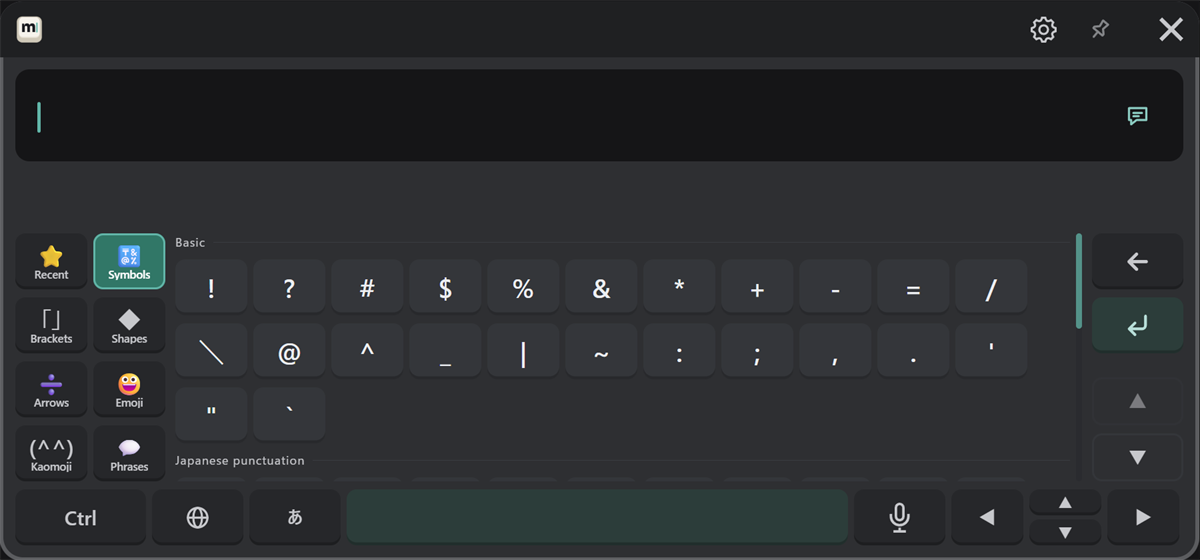
| Tab | Contents |
|---|---|
| Recent | Symbols you entered recently (cleared when MSKB restarts) |
| Symbols | Basic symbols, Japanese punctuation, Chinese and Korean marks |
| Brackets | Brackets (both sides are entered, with the cursor between them) |
| Shapes | ☆ ○ ◇ □ △ ♪ ♡ and more |
| Arrows | Arrows, math and units (± ≠ ℃ and more), numbers such as ① and Ⅰ |
| Emoji | Emoji (with a skin tone choice) |
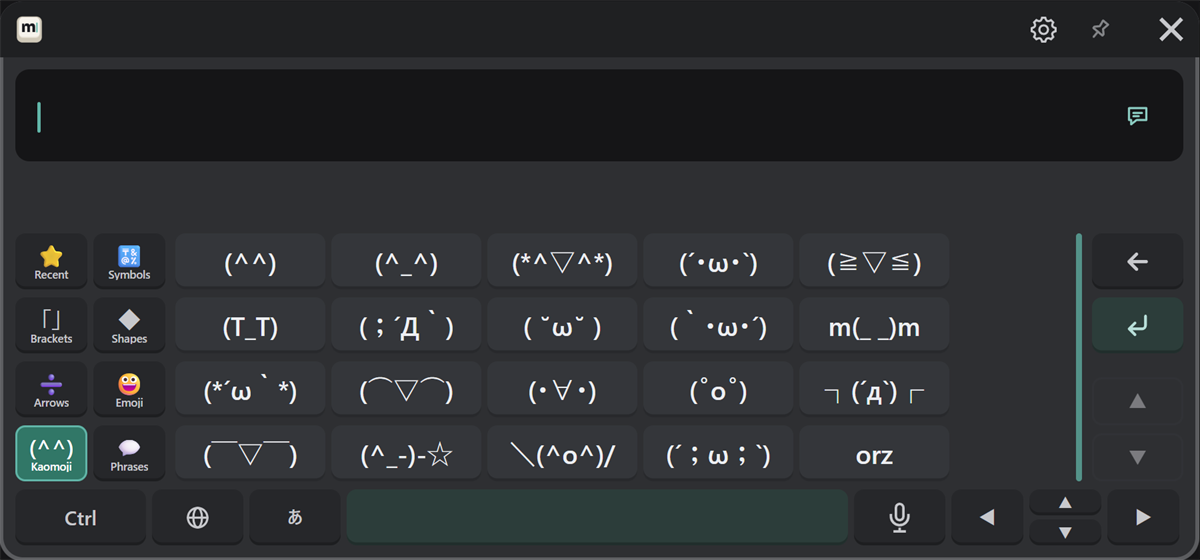
| Kaomoji | Kaomoji |
| Phrases | Your saved phrases, and edit buttons |
When a list is long, scroll it with ▲ ▼ on the right or with the controller stick.
Emoji
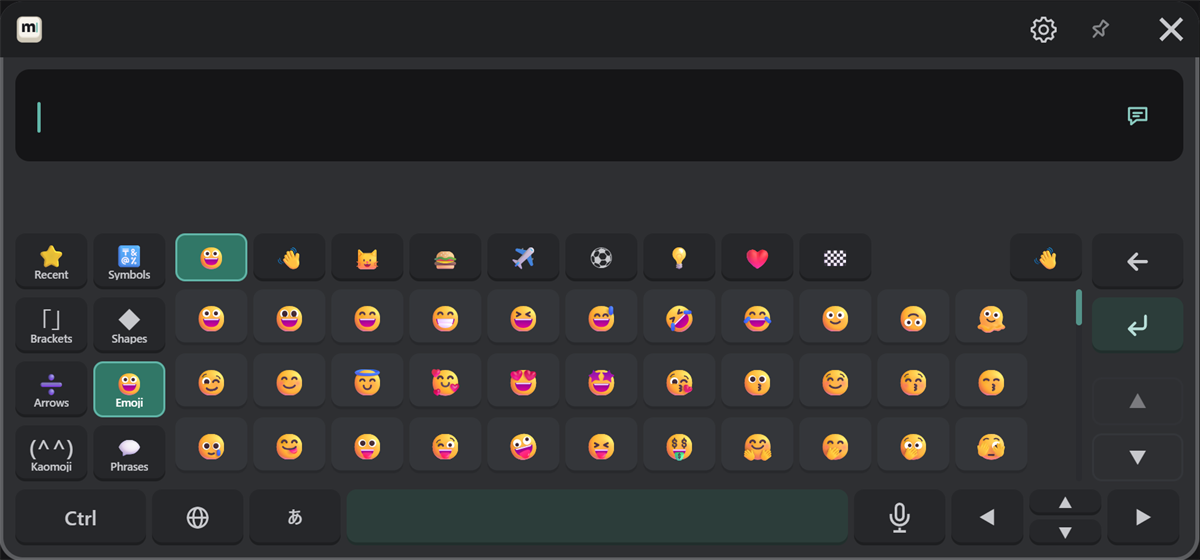
Choose a group in the top row (smileys, people, animals and nature, food, places, activities, objects, symbols, flags). The hand button at the top right chooses the skin tone.
Kaomoji
Phrases and edit
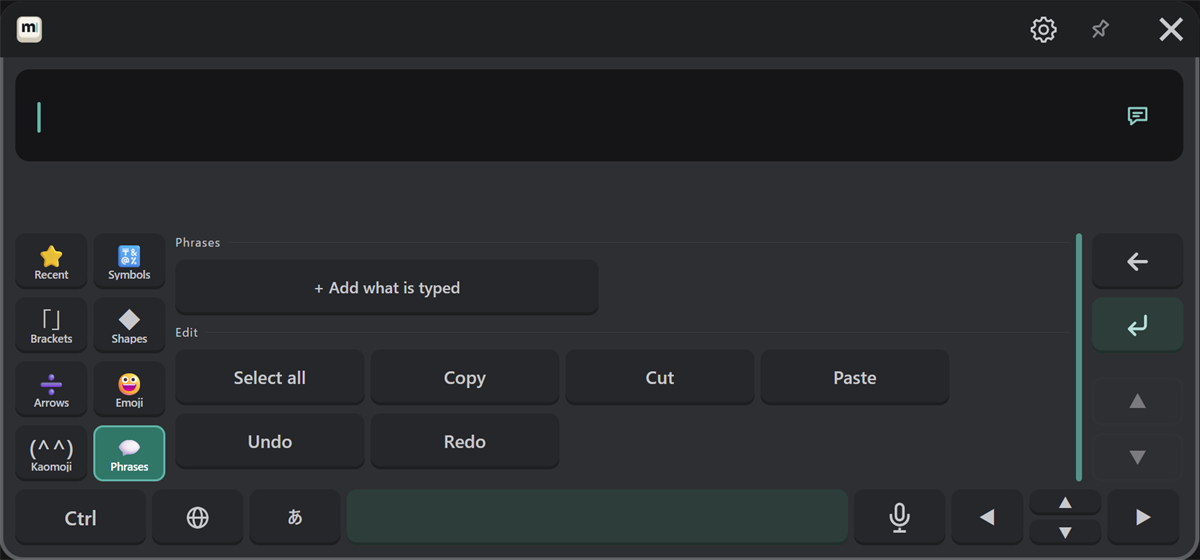
Save messages you use often, and enter them with one press.
- In VR: type the message, then press "+ Add what is typed".
- On your PC: in the settings window, type it under "Input & sound" → "Phrases" and press "Add".
Under "Edit" are Select all, Copy, Cut, Paste, Undo and Redo buttons (the same as Ctrl).