Japanese (romaji)
Choose "日本語" with the 🌐 key. The keys are laid out like a Japanese (JIS) keyboard.
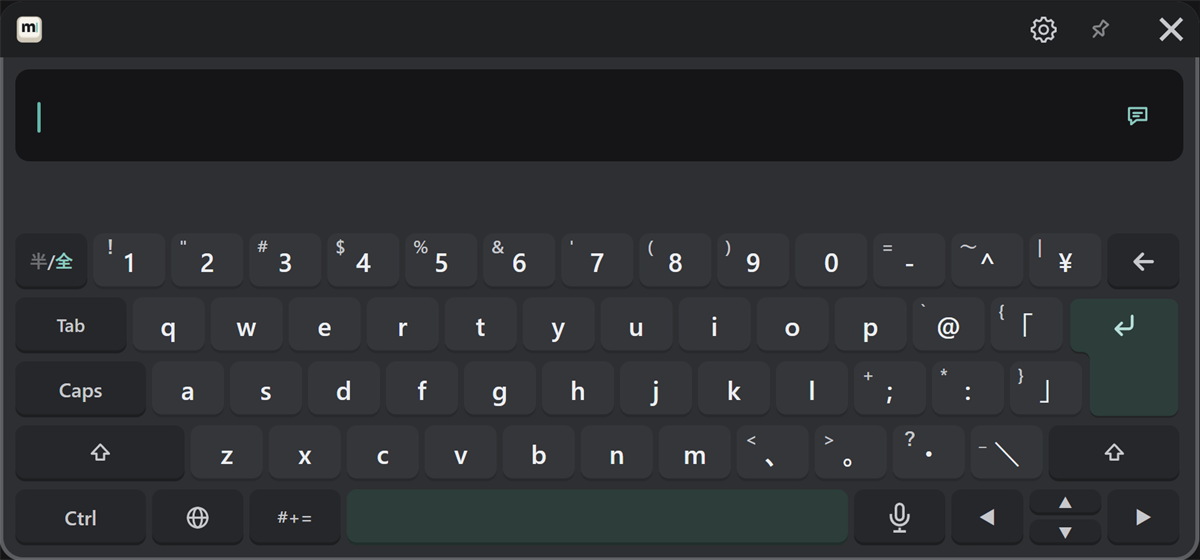
Type and convert
-
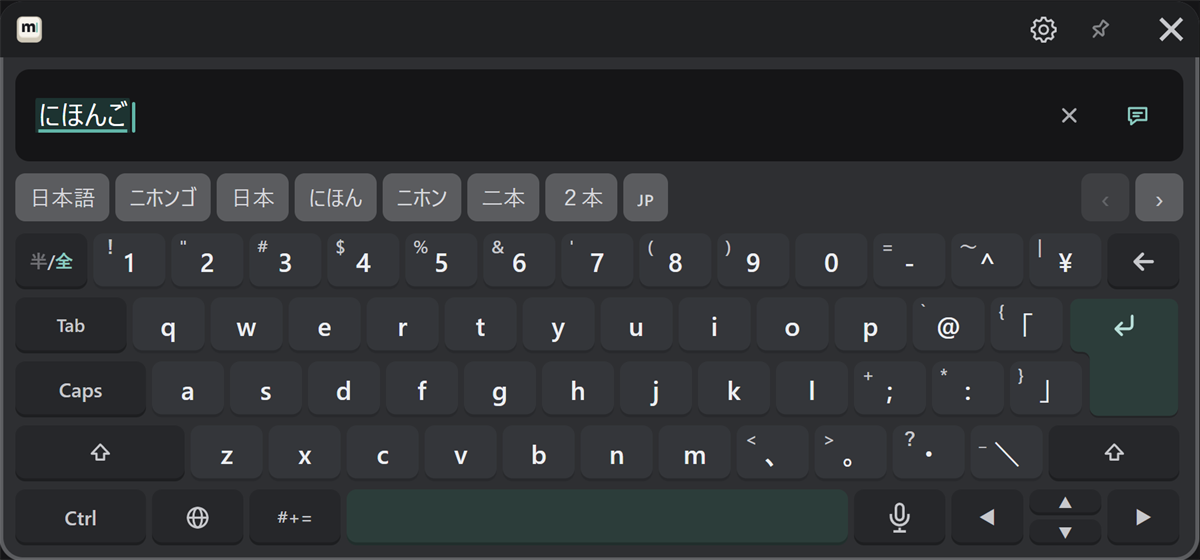
Type in romaji, and hiragana appears in the text field. Conversion candidates appear in the candidate row.
-
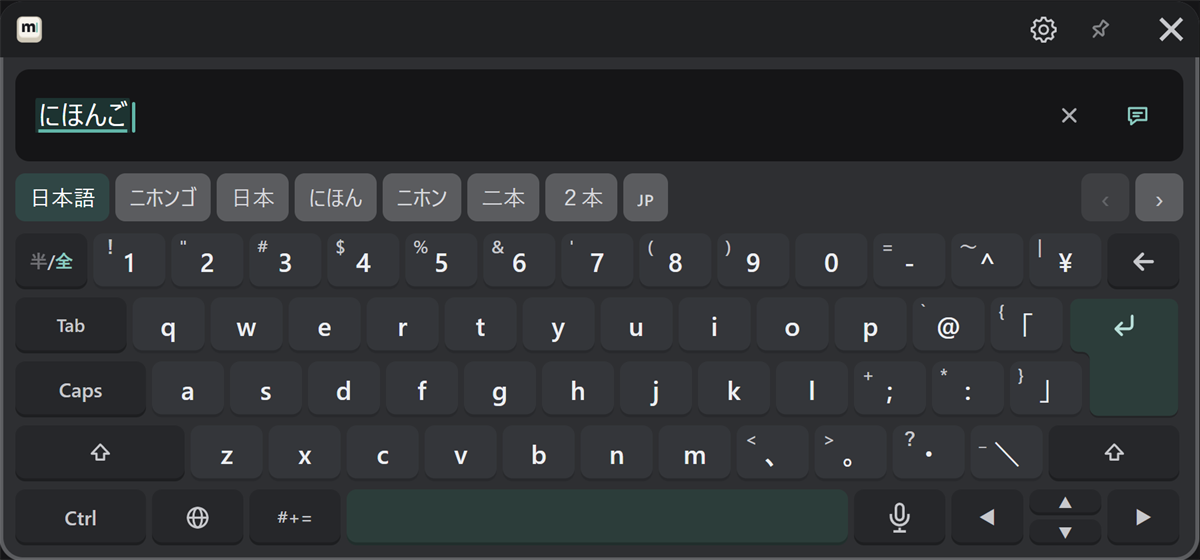
Press Space to convert. The selected candidate is highlighted. You can also press a candidate in the candidate row.
-
Press ↵ to confirm.
| To | Do this |
|---|---|
| Pick a candidate | Press it in the candidate row |
| See more candidates | ‹ › at the right end of the candidate row |
| Move between the parts being converted | ◀ ▶ |
| Confirm | ↵ |
| Confirm and send | ↵ once more |
Candidates you pick often come first next time. To go back to the original order, press "Input & sound" → "Reset what conversion learned" in the PC settings (it takes effect the next time MSKB starts).
Type letters and numbers as they are
To type letters or numbers while staying in Japanese, press "半/全" at the top left. Press it again to go back to kana. For whole sentences in English, switching to English with the 🌐 key is easier, since you get word suggestions (see English).
Punctuation and symbols
"、", "。" and other marks are entered as printed on the keys. For symbols not on the keys, use "#+=" (see Symbols, emoji and phrases).