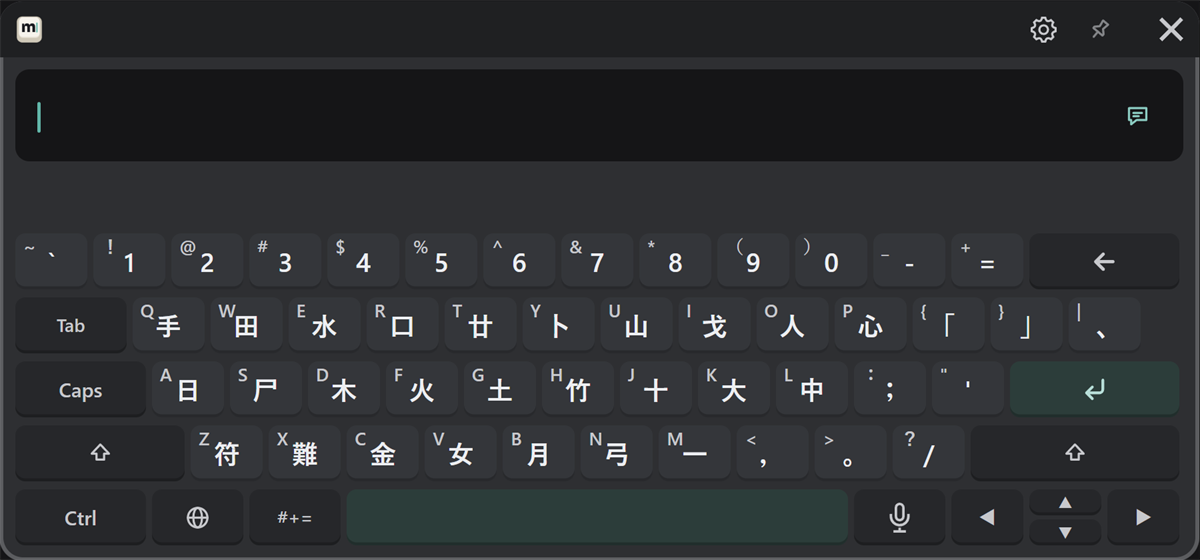
English, 한국어, 中文
Choose a language with the 🌐 key. In every language, the small character at the top left of a key is the one you get with Shift.
English
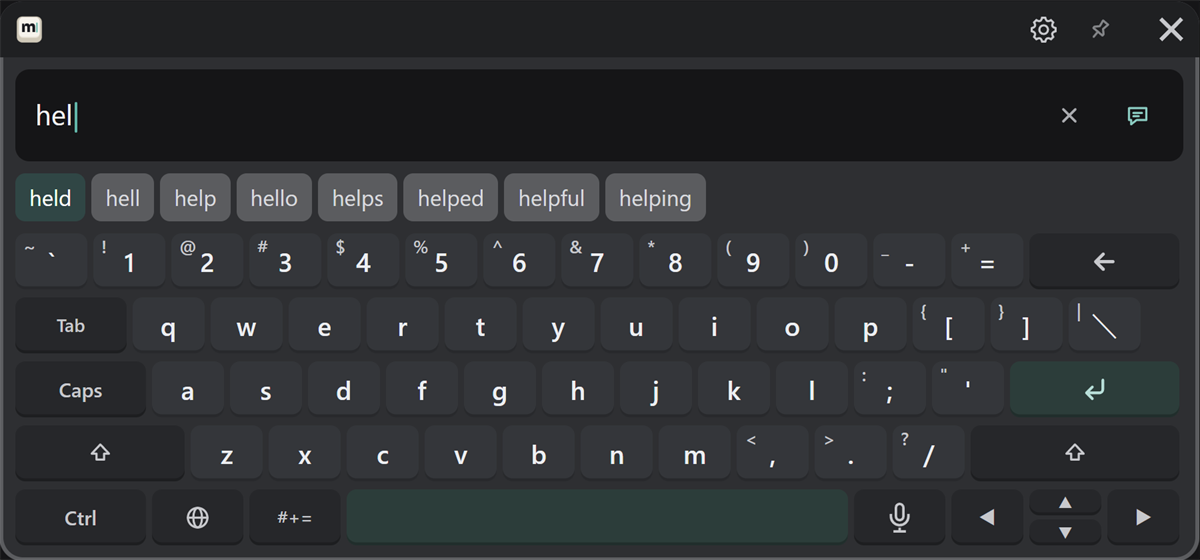
An English (US) layout. Suggestions for the word you are typing appear in the candidate row (the image shows "hel" typed).
- Press a suggestion to enter that word.
- Press Tab to enter the first suggestion (the highlighted one).
- Type capitals with Shift (next character) or Caps (lock).
한국어
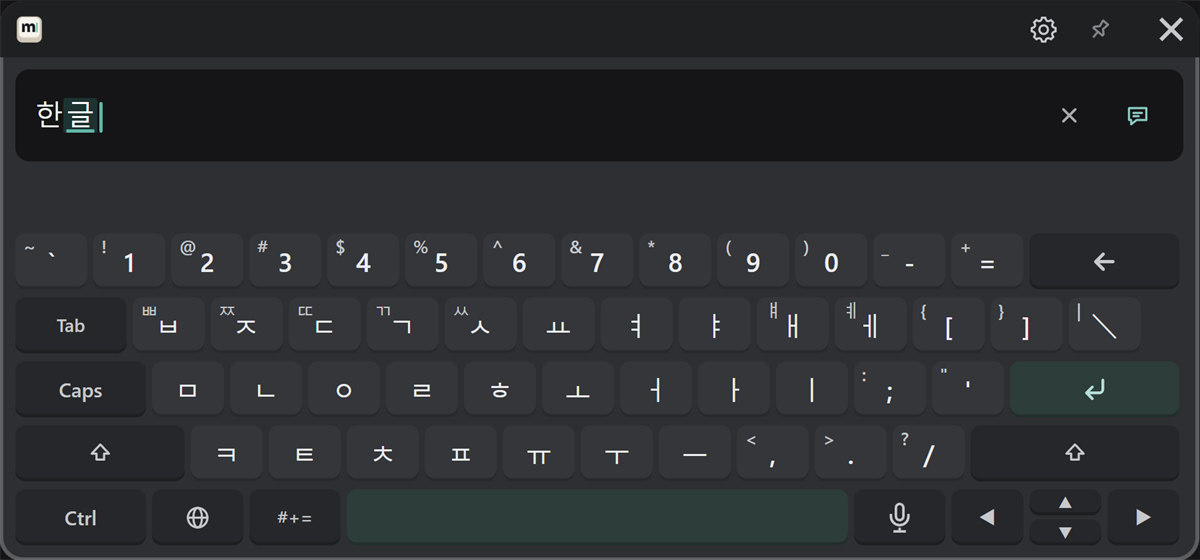
The Korean 2-set (Dubeolsik, KS X 5002) layout. Jamo you type are combined into syllables automatically (the image shows "한글" typed). The candidate row is not used.
- For tense consonants (ㄲ ㄸ ㅃ ㅆ ㅉ) and ㅒ ㅖ, press Shift first.
简体中文 and 繁體中文 (Pinyin)
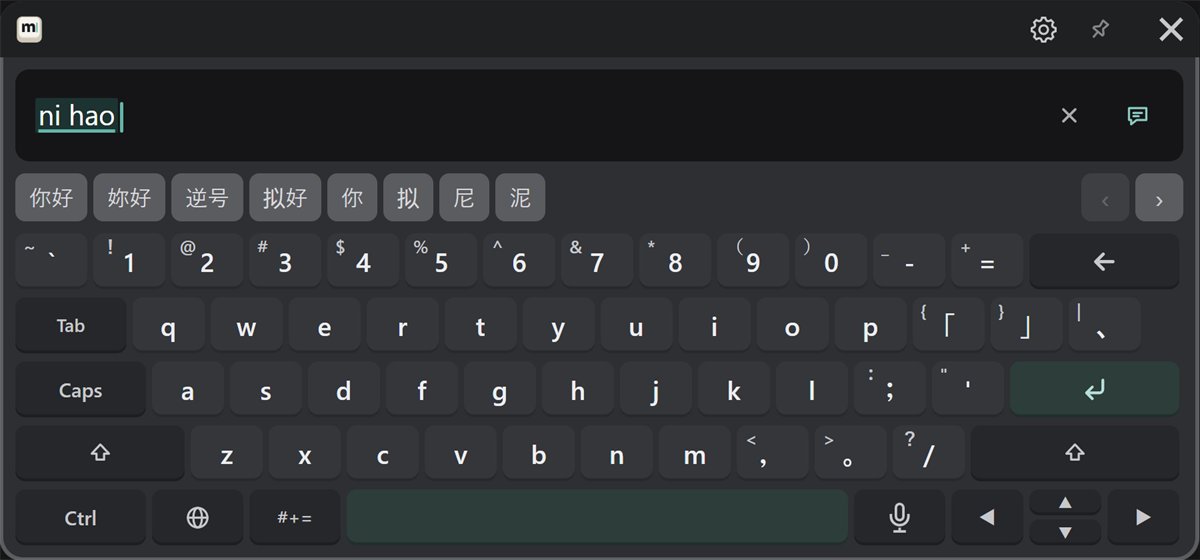
Choose "简体中文" or "繁體中文" with the 🌐 key. Type Pinyin, and Chinese character candidates appear in the candidate row (the image shows "nihao" typed).
| To | Do this |
|---|---|
| Pick the first candidate | Space |
| Pick another candidate | Press it |
| See more candidates | ‹ › at the right end of the candidate row |
The first time, the dictionaries are prepared (see first-time setup).
Zhuyin, Cangjie and Quick
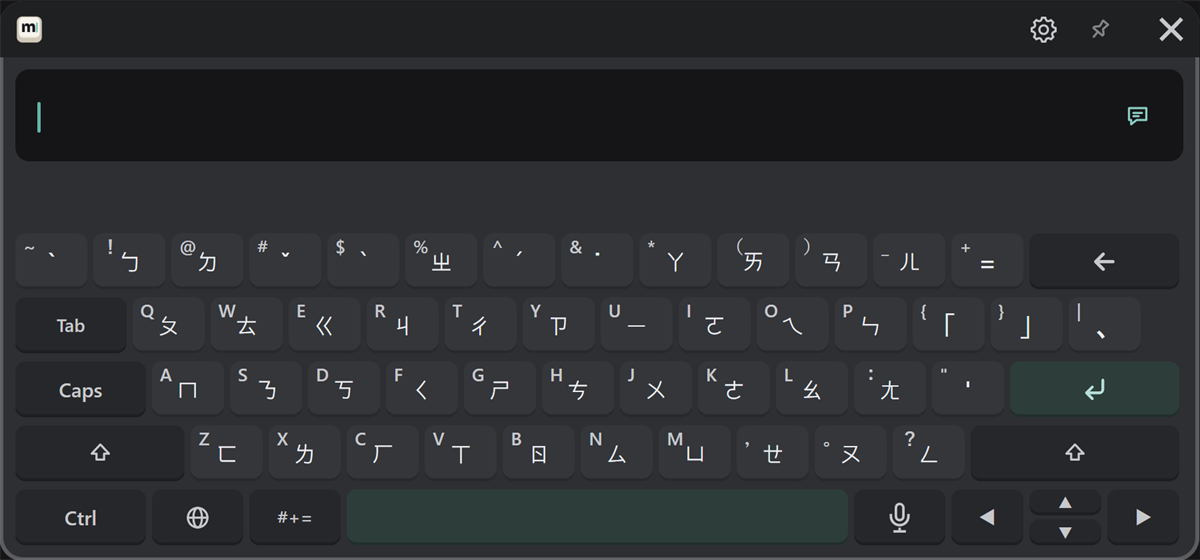
Choose "注音", "倉頡" or "速成" with the 🌐 key. They type Traditional Chinese. The keys show Zhuyin symbols or Cangjie radicals. Typing and choosing candidates work the same as Pinyin.
Zhuyin (注音)
Cangjie (倉頡) and Quick (速成) (same key layout)