VR gear
Press the gear at the top right of the keyboard (③ in the parts), and the settings open over the keyboard. Switch tabs on the left, and press "Close" to go back. Only settings that make sense to change in VR are here, and they are the same settings as in the PC settings window.
General
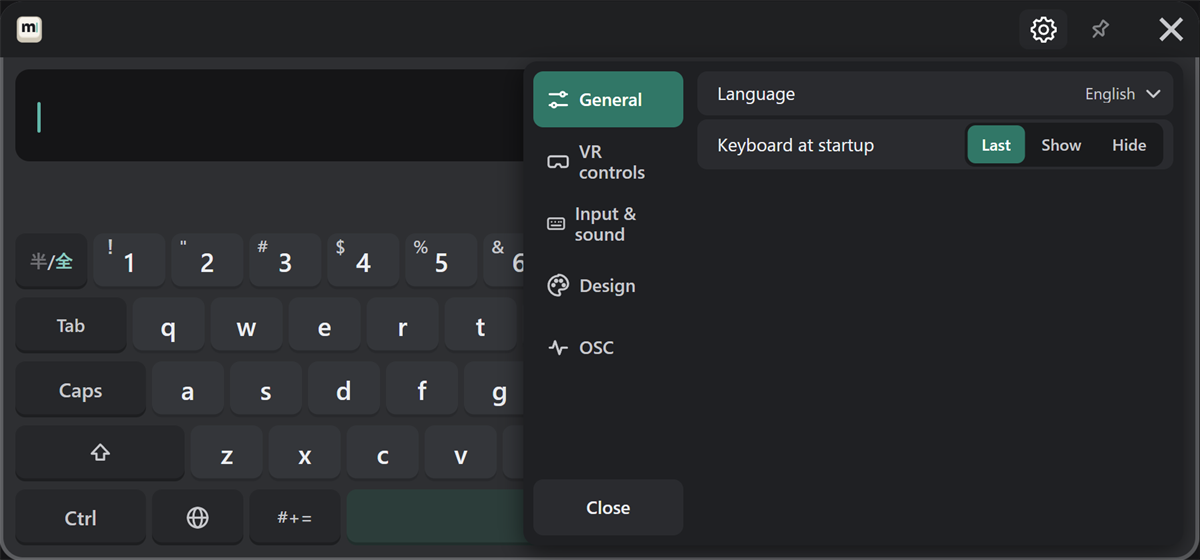
Change the language and the keyboard at startup (last / show / hide).
VR controls
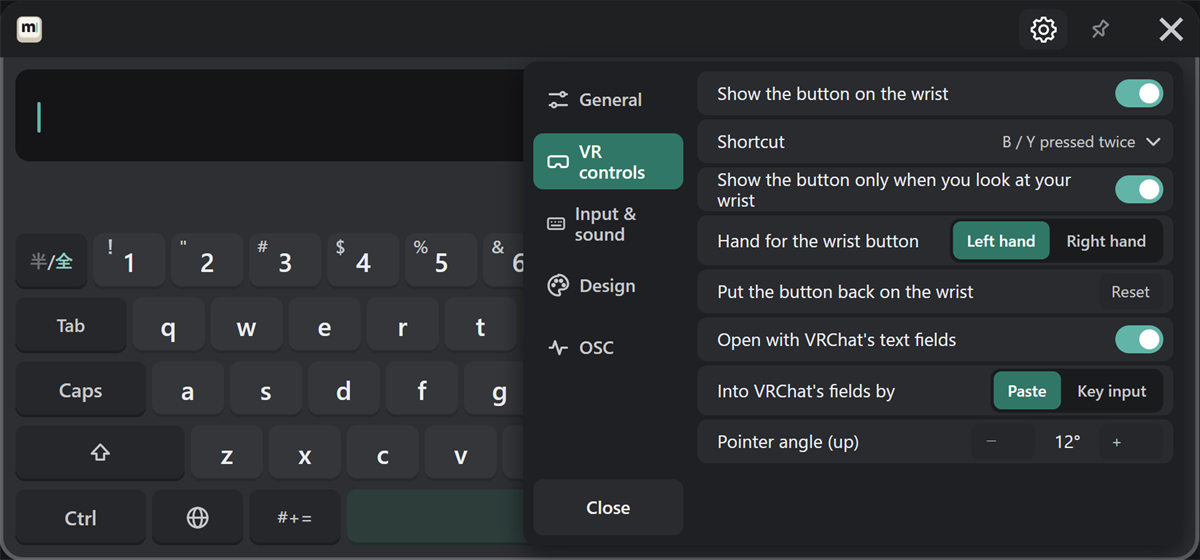
| Setting | What it does |
|---|---|
| Show the button on the wrist / Shortcut | How to open the keyboard (see Customizing) |
| Show the button only when you look at your wrist / Hand for the wrist button / Put the button back on the wrist | The wrist button (see Customizing). Only in the VR gear |
| Open with VRChat's text fields / Into VRChat's fields by | See Sending |
| Pointer angle (up) | − and + change it one degree at a time (see Customizing). Only in the VR gear |
Input & sound
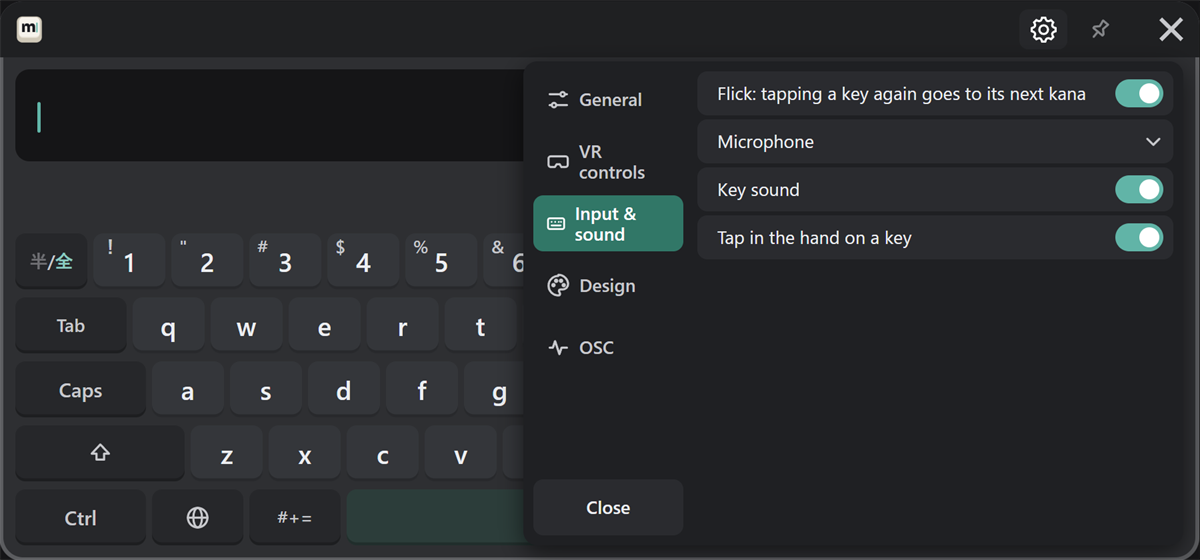
Change flick behavior, the microphone for voice input, the key sound, and vibration on key press.
Design
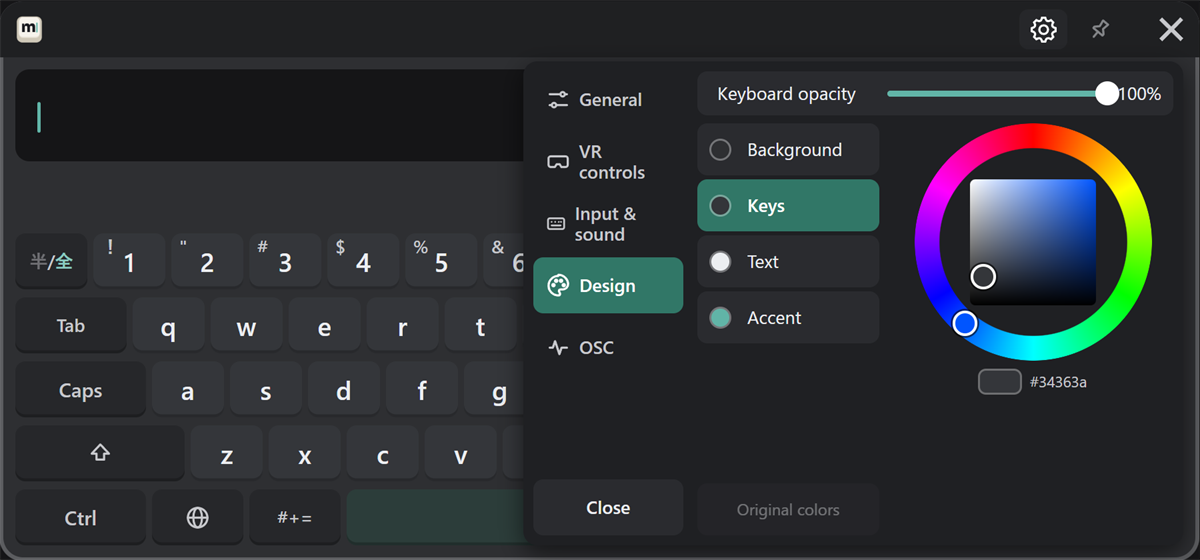
- Opacity: point at the slider and move it while holding the trigger.
- Colors: choose the part (background, keys, text, accent), then pick a color on the wheel. "Original colors" puts it back.
The picture behind the keys and the color share code are changed in the PC settings window.
OSC
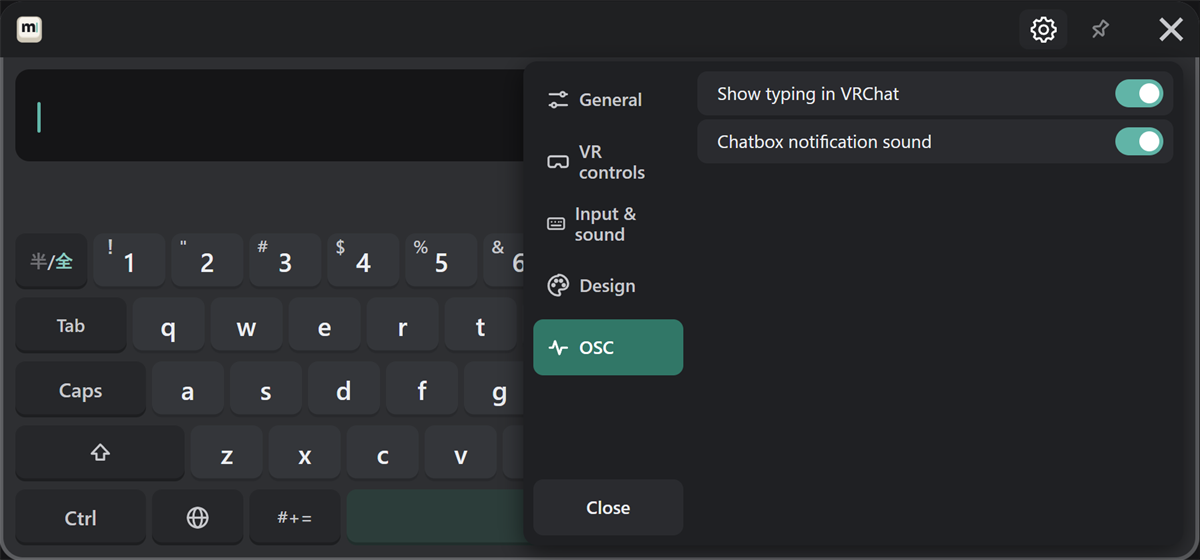
Choose whether to show typing in VRChat, and whether to play the chatbox notification sound.